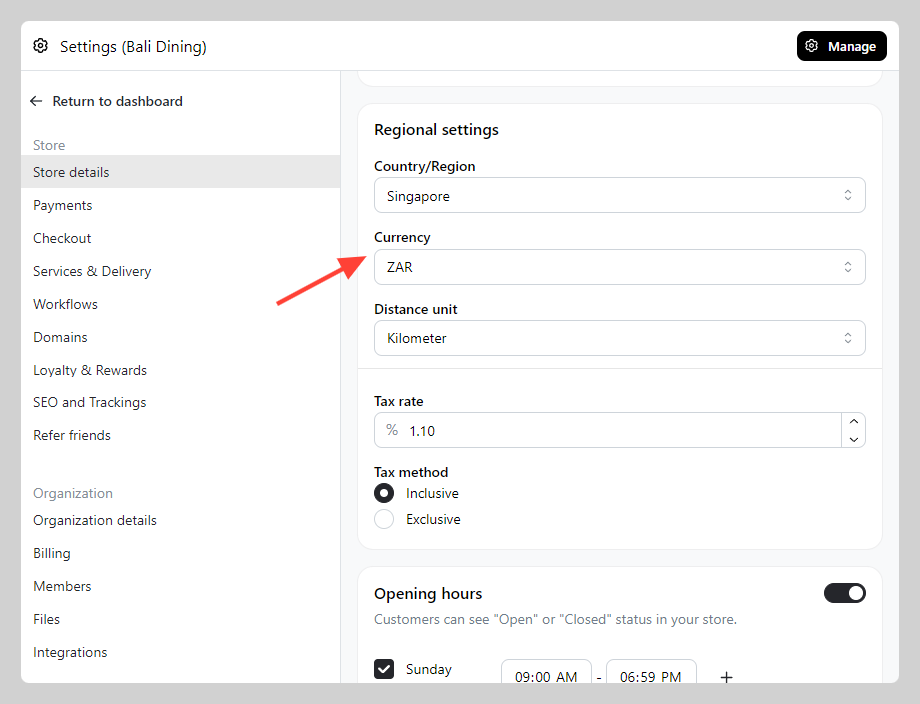
You can change your store currency based on where your business is located.
How to change store currency
-
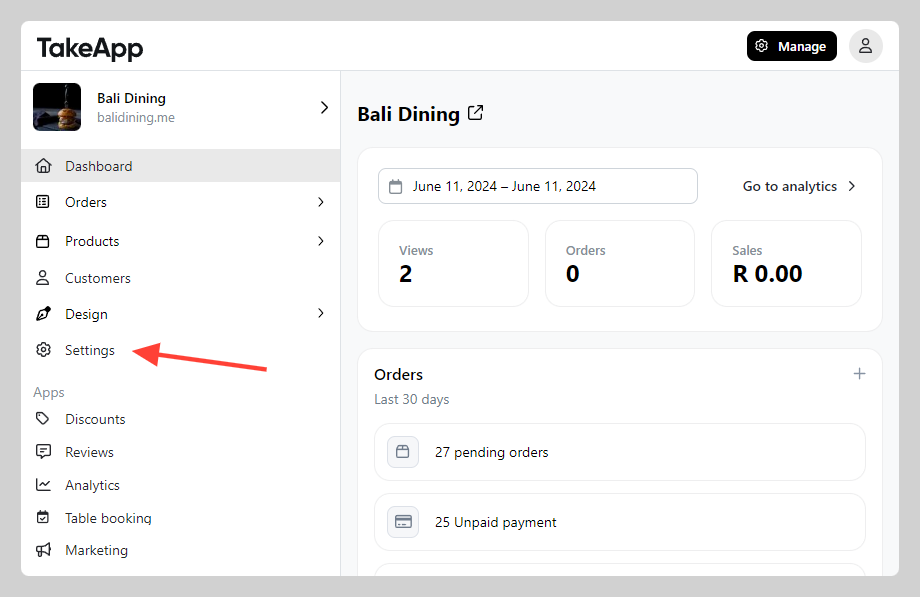
Go to Admin > Settings
-
In Store Detail, navigate to "Regional settings" section. Check the "Currency" setting and adjust to your own currency. Click
save